An AI agent for molecular simulation
MolAgent prepares, runs, checks and analyses simulation studies on your HPC cluster or workstation. It applies procedures written by computational chemists and works with the simulation codes your group already uses.
In alpha; private beta in 2027. The workspace and the molecular viewer are open source.
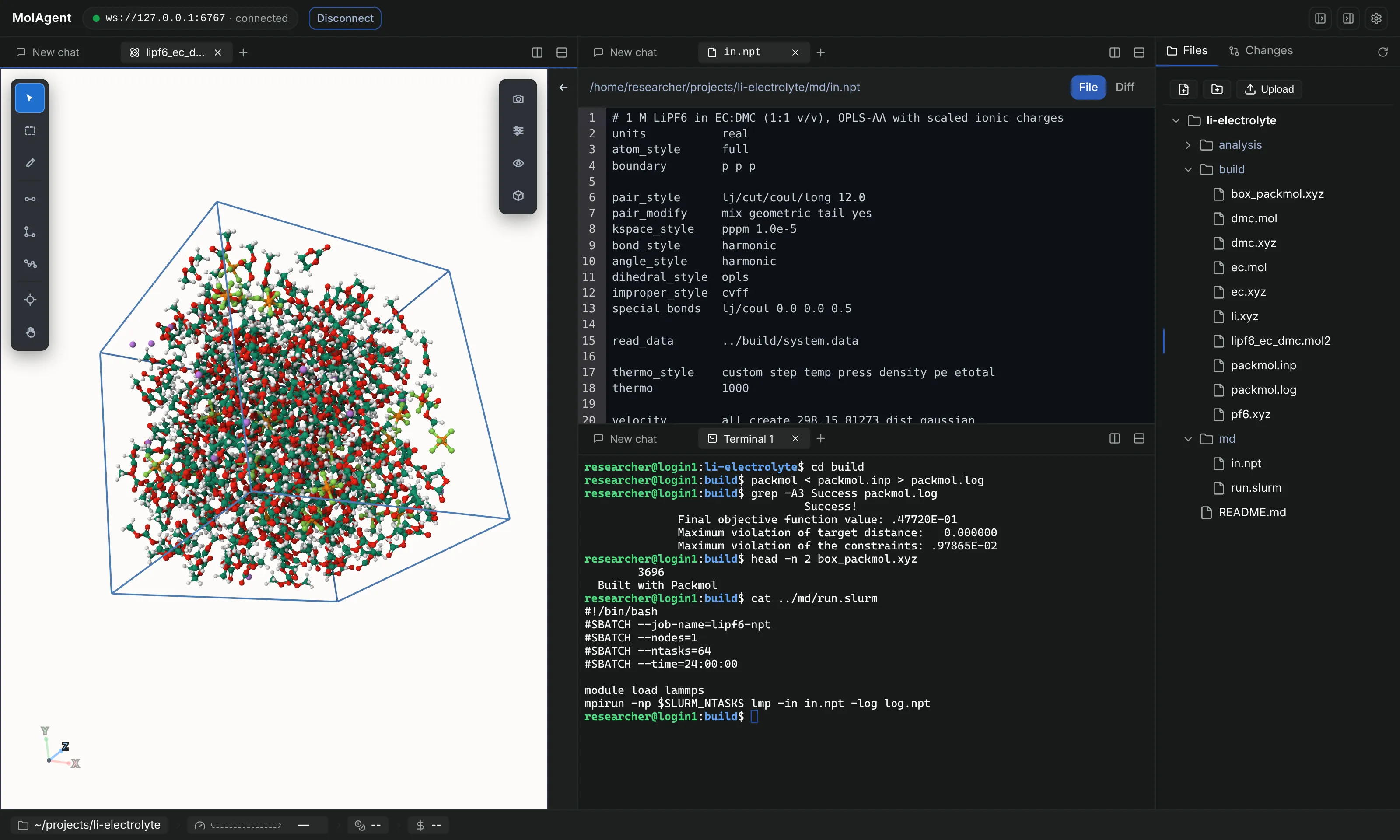
How a study runs
You describe the scientific objective. The agent carries the study through four stages and stops for your input on scientific choices.
Plan
Turns the objective into a calculation plan and selects the methods and level of theory.
Prepare and submit
Builds the systems, writes the input files and submits the jobs to your scheduler.
Monitor and check
Follows the running jobs, detects errors, restarts failed steps and checks the quality of the results.
Analyse
Processes the outputs, puts the results in context and proposes the next calculations.
The agent explains its choices and asks you whenever a scientific decision is yours to make. You approve, adjust or send it back.
Procedures written by computational chemists
General-purpose language models often get specific calculations wrong. A correct result depends on choosing the method, setting up the system and the input, knowing what to watch while the job runs, testing the output and recovering from a failed run.
MolAgent gives the agent this knowledge as procedures prepared and tested by computational chemists. It combines them into studies that run several codes in sequence, with a check after each step.
Rules for shared clusters
- No heavy computation on login nodes. The agent is blocked or asks first.
- No software installation without your permission.
- Working scripts are reused as they are.
- Results are reported with their status and checked against the data before conclusions are drawn.
Quantum chemistry
Gaussian, ORCA, Q-Chem, Psi4, xtb
Periodic DFT
VASP, Quantum ESPRESSO, CP2K, CASTEP
Molecular dynamics
GROMACS, LAMMPS, OpenMM, AMBER
Free energies and enhanced sampling
PLUMED, alchemical and umbrella-sampling methods
Coarse-grained models
Martini, DPD, HOOMD-blue
Machine-learned potentials
MACE, CHGNet, UMA, DeePMD-kit
Force fields
GAFF2, OPLS-AA, CHARMM, OpenFF
Building and analysis
RDKit, ASE, pymatgen, Packmol, MDAnalysis
Mol Viewer
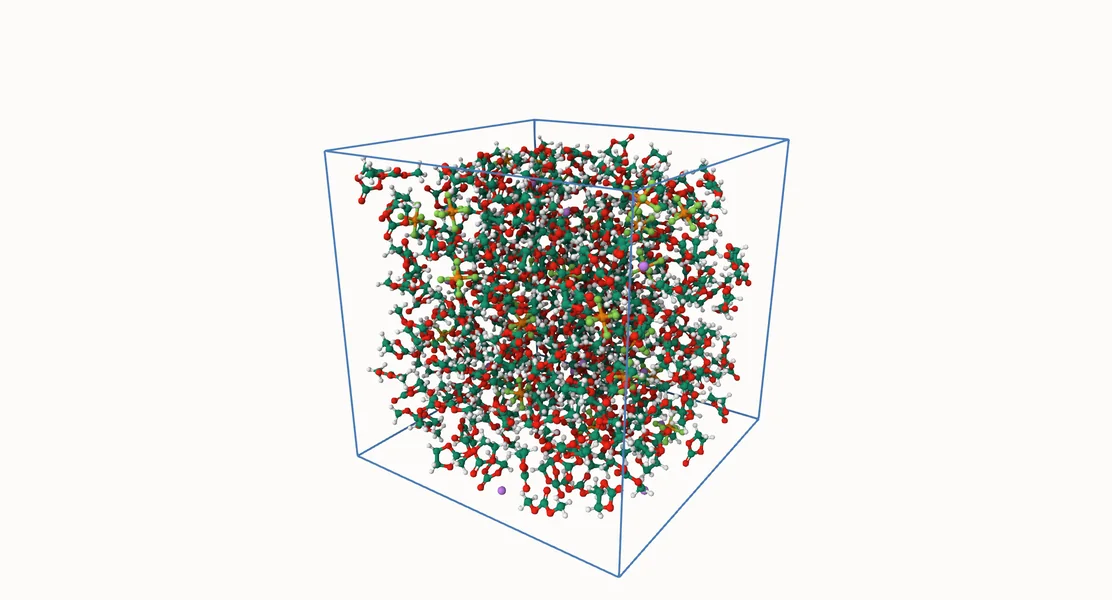
Structures and trajectories from the project folder open in a 3D viewer built on the Mol* engine. The viewer below is the same component, running in this page with five example systems.
How it connects
A daemon runs under your user account on a cluster login node, a workstation or a server. You open the workspace in a browser or use the command line. Jobs go to the cluster scheduler or run directly on a workstation.
Your browser or terminal
The MolAgent workspace in a browser, or the command line on the machine itself.
Relay optional
For machines that accept no incoming connections. The daemon connects out to the relay, which forwards encrypted traffic it cannot read.
Your cluster or workstation
Daemon
Agent sessions, terminals and project files, under your user account.
Agent
Simulation procedures, rules for shared clusters and result checks.
Your software and data
Scheduler, simulation codes and project folders, used where they are.
Model provider
Your account with a provider, or an open-weight model on your own server. It receives the conversation and the file excerpts the agent reads.
Your own model account
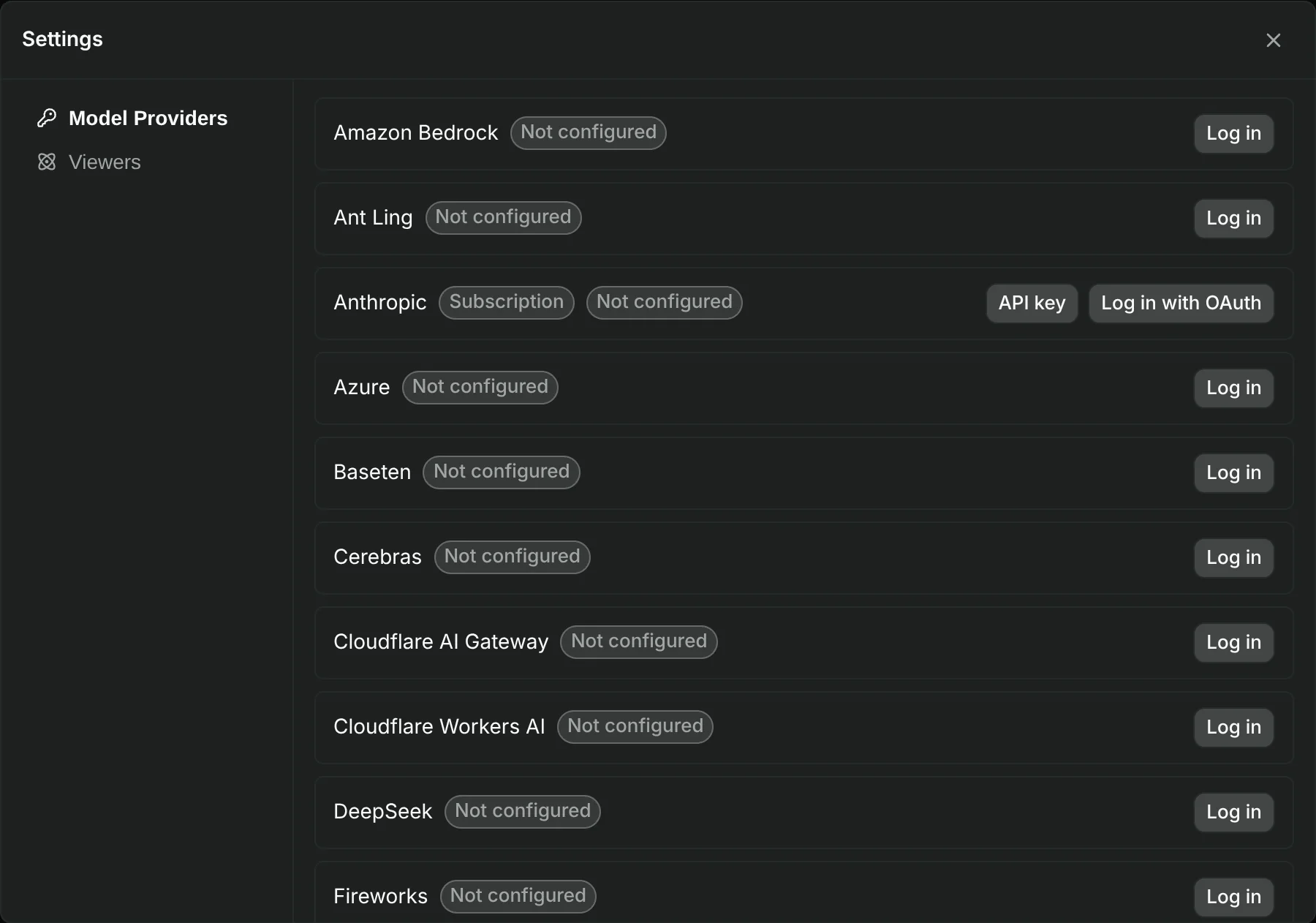
MolAgent works with the main model providers, including Anthropic, OpenAI, Google, Mistral, Amazon Bedrock, Azure and OpenRouter. Connect with an API key, or sign in with an existing subscription where the provider allows its use in third-party tools.
For confidential industrial work, an open-weight model can run on your own server or on a dedicated one, so that no external provider is involved.
Open source
MolAgent publishes its workspace and its viewer under open licences and builds on open-source software. We want the simulation community to use, check and extend them.
Workspace
Runs the agent on your machine and gives you sessions, terminals, files and viewers in a browser.
Mol Viewer
Viewer and light structure editor on the Mol* engine, also usable as a React component in other web applications.
A free Community edition will give access to the platform and a base set of validated procedures. Paid plans add procedures that are updated regularly, installation on your infrastructure and support. See the plans.
Early access
MolAgent is in alpha. We are installing it with a small number of research groups now; a private beta opens in 2027. Write to us with the systems you study, the codes you use and the machines you compute on.
Or write to contact@molagent.ai.